
$ 30.00


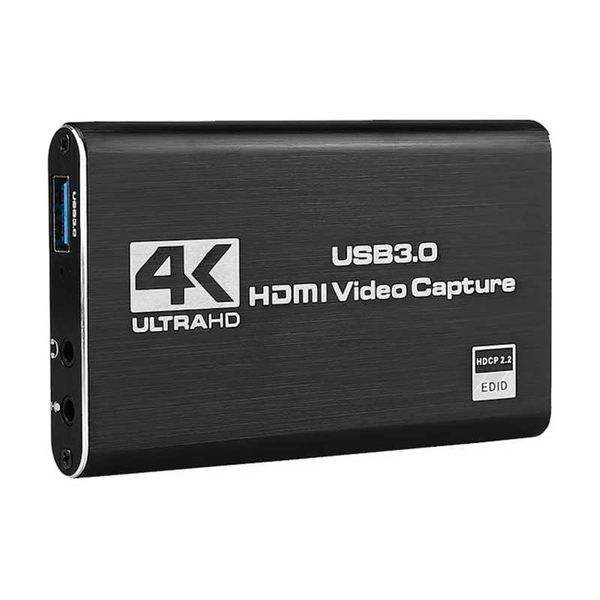
Video Capture Card 4K 60Hz
- CHOICE
Color & Size
Item Description

TH STORE
94.12%Fulfilment Rate
0Rating
73Followers
TH STORE
94.12%Fulfilment Rate
0Rating
73Followers
Item Description
Connection operation:
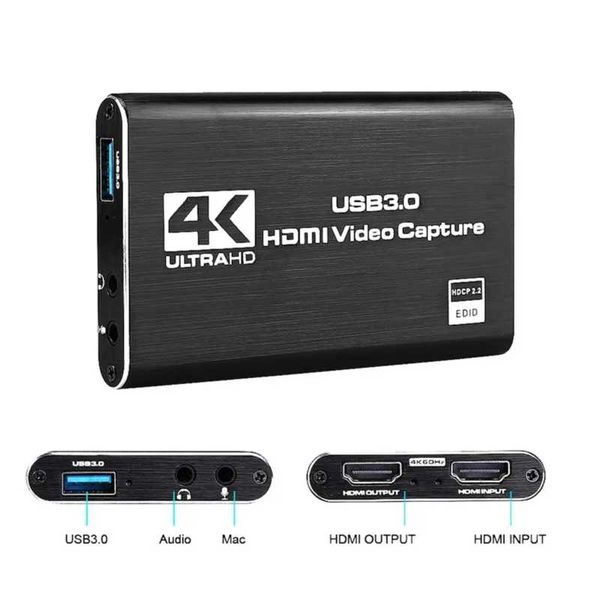
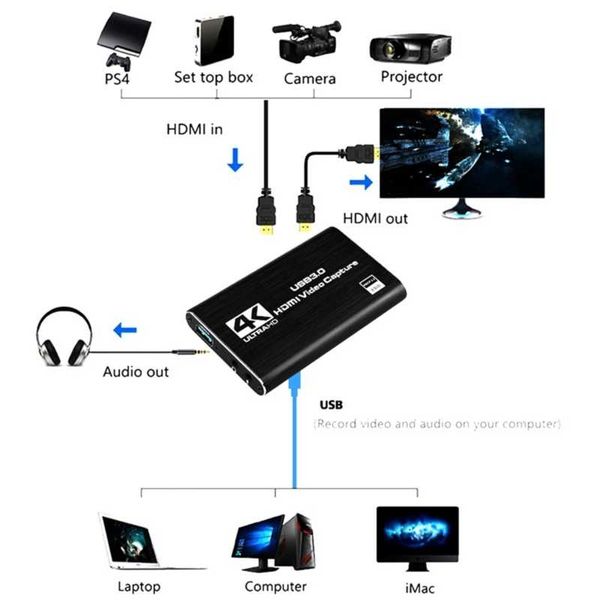
USB TYPE-A port, connected to the USB port of the computer; HD output port, connect to HD display device through HD cable;HD input port, connected to HD via HD cable. It is suitable for game consoles, laptops, DVD players, media players, TVboxes, Blu-ray players, DVD players, and digital cameras with HDMI input ports on the market, etc.(Before purchasing, please make sure your device has an HD output port)
3.5 mm microphone input port, connect the microphone when in use;
3.5 mm stereo output interface, connect earphone or sound system.
Capture operation steps (OBS): open it → add new source → select 'video capture device' → set screen size → select 'studio mode'
(dual window) → click 'start recording'
Packing included:
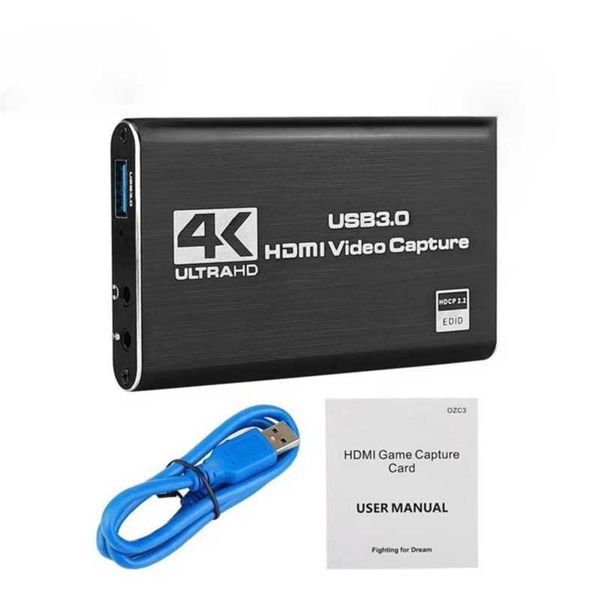
1 x video capture card
1 x USB 3.0 data cable
1 x User Manual
Note and tips:
Do not use a HUB or USB extension cable.
HDMI capture card must be connected to the computer's USB 3.0 interface to use.
A low computer configuration will cause the recording screen to blink randomly or black.
An adapter is required when HD is connected to a phone.
Precautions related to OBS:
Please note that you need to restart the OBS Studio software after completing the audio settings, otherwise no sound will be output.
Please correctly connect the capture card to the signal source, video loop-out, audio input, audio output and computer. Please install OBS live broadcast software on your computer. If the OBS version is too low, the capture card may not work normally.

Recommend product
DOWNLOAD L192 APP


@2010, 2026 L192.COM